The broadband-label numbers that matter before choosing internet service
Monthly price is only the first line. Compare the post-promotion rate, fees, upload speed, latency, and data allowance.
The fastest advertised tier is not automatically the best home-internet plan. A household that mainly browses and streams has different needs from one uploading large files, running cloud cameras, or relying on several simultaneous video calls.
Start with the provider’s broadband label, then confirm address-specific availability and terms at checkout. Save the label and order confirmation because promotions, equipment choices, and installation charges can change between the first advertisement and the final order.
The short answer
Use the FCC broadband label to compare the price after promotions, recurring equipment charges, upload speed, latency, and data limits on equal terms.
Start with the price after the promotion
Record the standard monthly price, the promotional price, and the date the promotion ends. Add required equipment, installation, activation, and early-termination charges before comparing plans.
Treat upload and download as separate numbers
Download speed affects streaming and large files coming into the home. Upload speed matters for video calls, cloud backups, security cameras, and sending large files. A plan described by download speed alone is incomplete.
Use latency to break a speed tie
Latency measures delay rather than capacity. Lower latency can matter more than a higher advertised download tier for interactive work, calls, and gaming.
Check the data allowance and overage rule
The label should show how much data is included and what happens after the limit. Note whether the provider charges overages, slows service, or offers an unlimited option at another price.
Save the label you agreed to
Download or photograph the label at signup with the order confirmation. It creates a simple record of the plan identifier, terms, and performance figures that informed the decision.
Use a two-week room-by-room trial
Before returning equipment or changing tiers, test the rooms and tasks that prompted the purchase: a video call, a cloud backup, a television stream, and any security camera. Record whether the gateway itself is stable and whether only distant Wi-Fi rooms fail. That distinction tells support whether to address service, equipment placement, or in-home coverage.
Put the guide to work
Field notes
- Build one all-in price
- Add the standard monthly service price, required equipment, recurring surcharges, installation, activation, and any contract-related fee. Record when each promotional discount ends.
- Match the household
- Count concurrent high-demand activities, not just devices. Two video calls, a cloud backup, and several cameras can make upload performance and latency more important than another jump in download speed.
- Test after installation
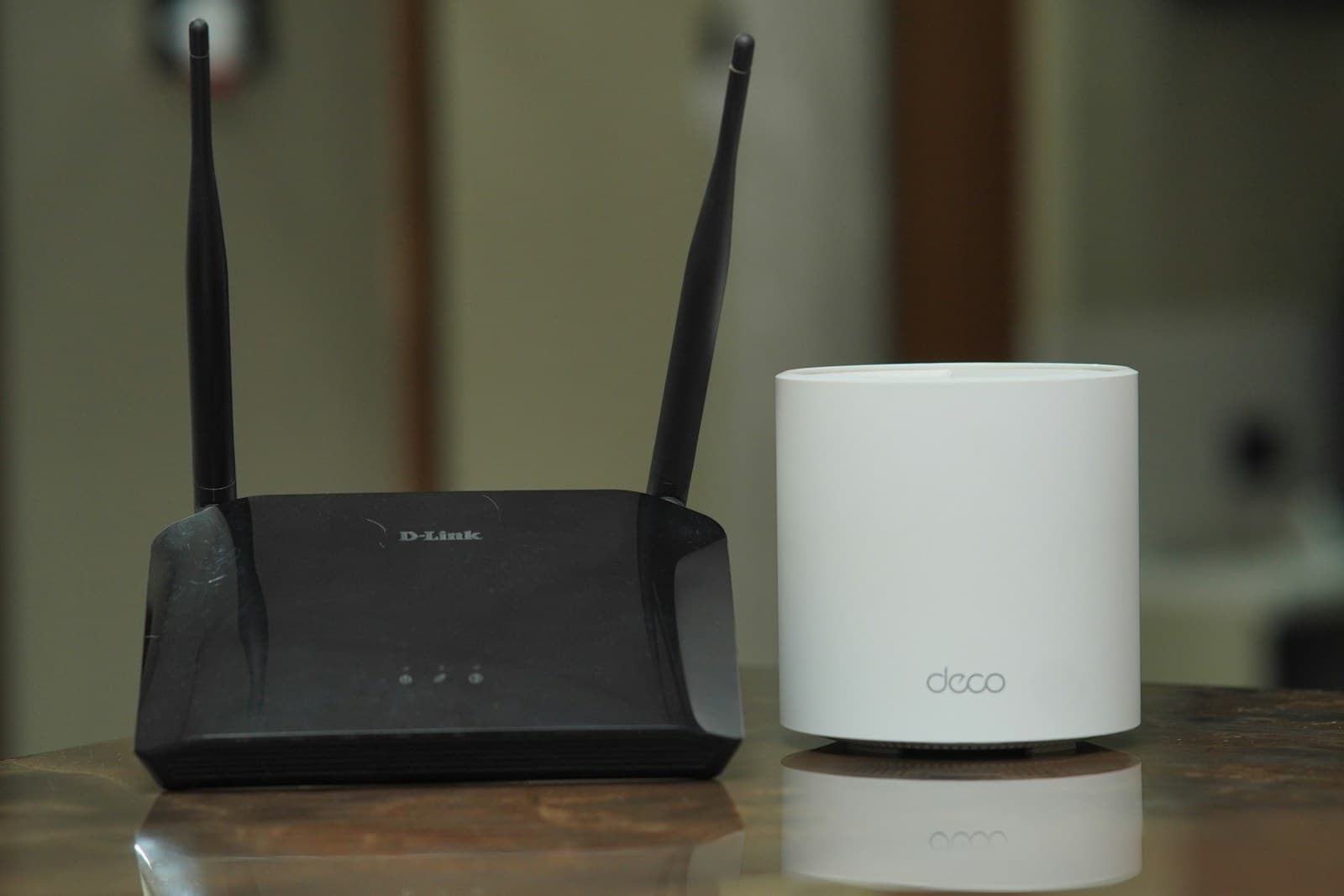
- Use a wired test near the gateway to check the connection itself, then test Wi-Fi in the rooms where service matters. Poor room coverage may be a network-layout problem rather than a reason to buy a faster tier.
- Escalate with records
- If service or billing differs from the agreement, keep the saved label, order confirmation, dates, test conditions, and support case numbers. Ask the provider to identify the exact plan and term it is applying.
Make the next step useful
Put this guide on your home plan
Know when to call a professional. Stop if work involves active gas leaks, damaged service wiring, structural movement, unsafe heights, suspected contamination, or a problem you cannot confidently isolate.
Editorial review and sources
Reviewed by: Smart Homeowners Editorial Desk
Last reviewed: August 25, 2026
Original Smart Homeowners editorial; not adapted from a third-party article.